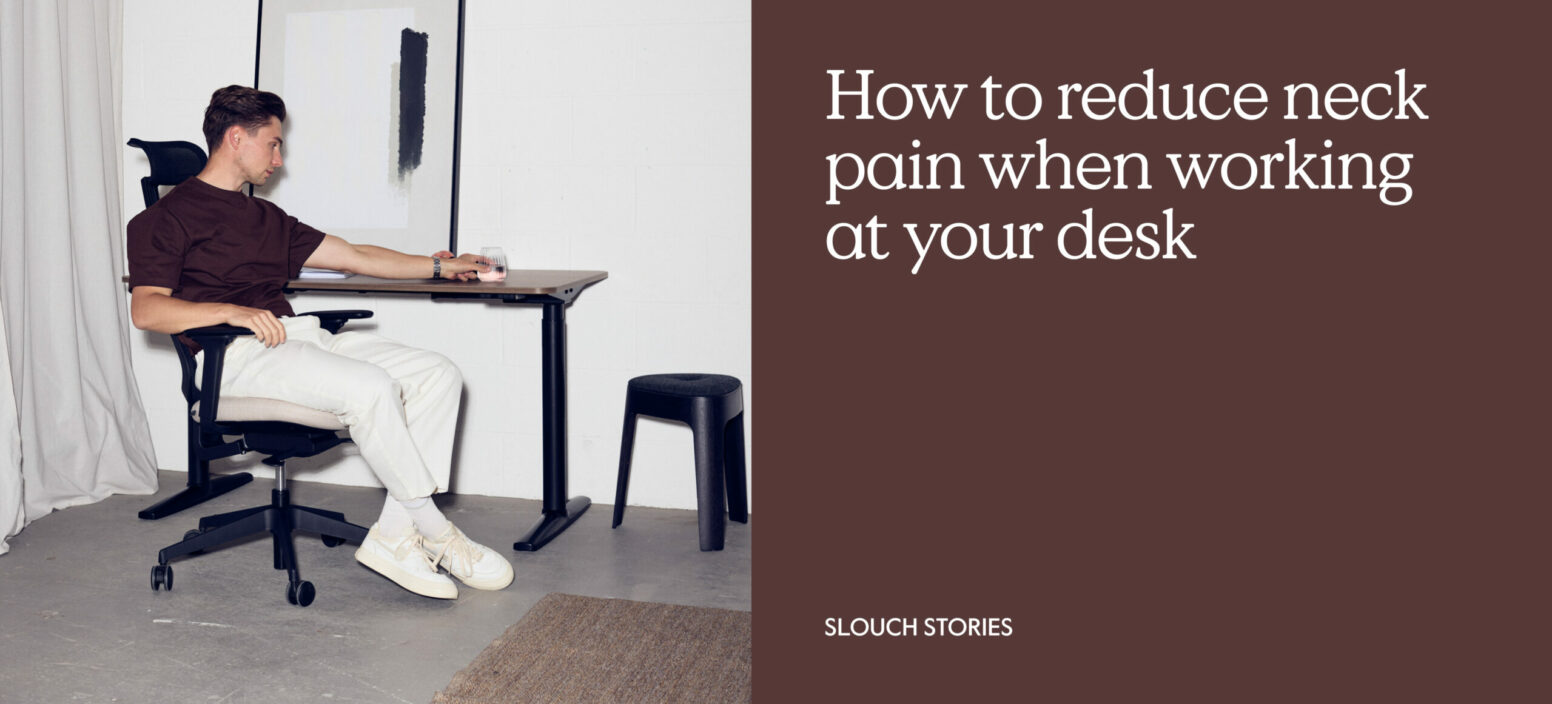
If you’ve spent any time on our blog at all here at Slouch Online, you’ll already know that poor posture and setup can cause you a wide range of problems with your occupational health. Eye strain and RSI rightly get a lot of attention, but another issue that a lot of people have to deal with is called ‘tech neck’. Slightly fun to say, but not quite so much to deal with – as you might already know, if you have some experience with it already.
Like so many occupational health conditions, it’s one of those things that can be easy to underestimate, and therefore more of a risk to your own occupational health than you might think. Happily, it’s fairly easy to prevent with the right schedule and setup, so with that in mind, let’s have a look at exactly how neck pain can sometimes develop while at work, and what you can do to stop it.
What is tech neck, and what causes it?
Tech neck is the term used to describe the stiffness, soreness and tension that can build up in your neck and shoulders after spending long periods looking down at a screen – typically while at work. It’s basically a type of repetitive strain injury that normally develops when you spend hours with your head positioned forward and out of its natural alignment, angled down towards a monitor or laptop screen. (It can also happen when looking down at a phone, which is why some healthcare professionals also refer to it as text neck.)
So, what exactly is happening? Well, your neck muscles have to work constantly to hold your head in position throughout the day. Once your posture starts to drift forward, those muscles take on even more strain – especially across your upper back, shoulders, and spine. Over time, that can lead to a variety of issues, including headaches, reduced mobility, muscle tightness, and ongoing discomfort during your working day.
A lot of this is typically due to a poor desk setup, which is one of the reasons why it’s so common amongst people working from home. If your screen is too low, or your chair doesn’t properly align with your posture, or your desk doesn’t support your arms or shoulders, all that can create tension throughout your upper body – especially if you’re not moving for long periods.
Now, as we’ve touched on above, the good news is that small adjustments to your workspace and daily habits can make a huge difference to your neck while you work. Let’s take a look at some of those.
The most effective ways to reduce neck pain from sitting at a desk
Ensure that your screen is at the right height
One of the biggest causes of neck strain is your monitor height – specifically, having it positioned too low on your desk. Thankfully though, it’s one of the easiest changes to make immediately. Ideally, the top of your monitor should be roughly at eye level, so that your head stays in a more natural position while you work. If you’re using a laptop, a laptop riser or monitor arm can help you bring the screen up to a more comfortable height.
You’ll also want to make sure that your screen is directly in front of you, since repeatedly turning your head to one side throughout the day can create additional tension in your neck and shoulders.
Keep a neutral spine position
Your spine naturally rests in a relaxed, neutral position. If your shoulders start rounding forward and your head starts drifting down to your screen, that will start to put unnatural strain on your neck muscles.
To avoid that, try to keep your shoulders relaxed, your back comfortably upright, and your ears roughly aligned to your shoulders. Obviously, be careful not to overcorrect – forcing yourself into a rigid posture all day can become uncomfortable too. The goal is simply to avoid spending hours collapsed forward over your desk. An ergonomic chair can help with this. On a similar note – it’s also worth paying attention to how you use your phone during the day. Looking down at a phone for long periods can place the exact same strain on your neck as poor monitor positioning.
Get up and move around
Even with a well-designed workstation, staying in one position for too long can still create stiffness and tension throughout your body. Your muscles will benefit from regular movement throughout the day – it helps them to relax and gives your posture a chance to reset. Don’t worry, it doesn’t have to be anything intensive! Walking around for a few minutes, stretching, or simply changing position every hour or so can make a noticeable difference to how your body feels by the end of the day.
Plus, this also helps to reduce the tendency to gradually slip into poor posture without noticing. A quick reset every now and then can help you stay more aware of how you’re positioning your body while you work.
Practise your neck stretches
On a related note, gentle stretching can help reduce any tightness in your neck and shoulders, so you might want to pair this with a small walk every so often. Simple movements like shoulder rolls, side-to-side neck stretches, and controlled head tilts can all help improve your mobility and relieve some of the tension that builds up during long periods at your desk.
Don’t forget that consistency matters much more than intensity, so short stretching sessions throughout the week usually work best. You’ll also want to keep these movements slow and controlled, especially if your neck already feels tense or sensitive.
Use an ergonomic office chair
This is a really important one – your chair plays a huge role in how comfortably you’re able to maintain your posture throughout the day. If your chair doesn’t properly fit your body or working position, tension can gradually start to build across your back, shoulders, and neck.
An ergonomic office chair can help you dodge that by giving your lower back, arms, and shoulders proper positioning throughout the day, helping you to maintain better alignment while you work. What’s more, additional features like adjustable seat height, armrests, and lumbar positioning can all help you create a more comfortable workstation setup that can lower any unnecessary strain on your upper body. Side note: it’s also important to make sure your feet stay flat on the floor while you work, with your knees positioned at roughly a right angle.
Alternate between sitting and standing
Changing your working position throughout the day can be a big help in reducing the amount of continuous strain that builds up across your body. That’s one of the reasons why sit-stand desks have become increasingly popular in modern offices and home workspaces.
Alternating between sitting and standing encourages more movement naturally throughout the day and helps prevent your posture from remaining fixed in the same position for hours at a time. Even relatively short standing periods during the day can help your neck and shoulders feel more comfortable during longer working sessions.
How can we help here at Slouch Online?
Your occupational health is really important to us at Slouch, which is why so many of our chairs have been designed with this in mind. We supply office chairs for full-day use, with a range of ergonomic features like adjustable seat height, tilt control, and lumbar control. All that gives you more flexibility and freedom to sort out the rest of your working setup, all centred around a reliable office chair that’s designed to support you.
Why not explore our range today?
