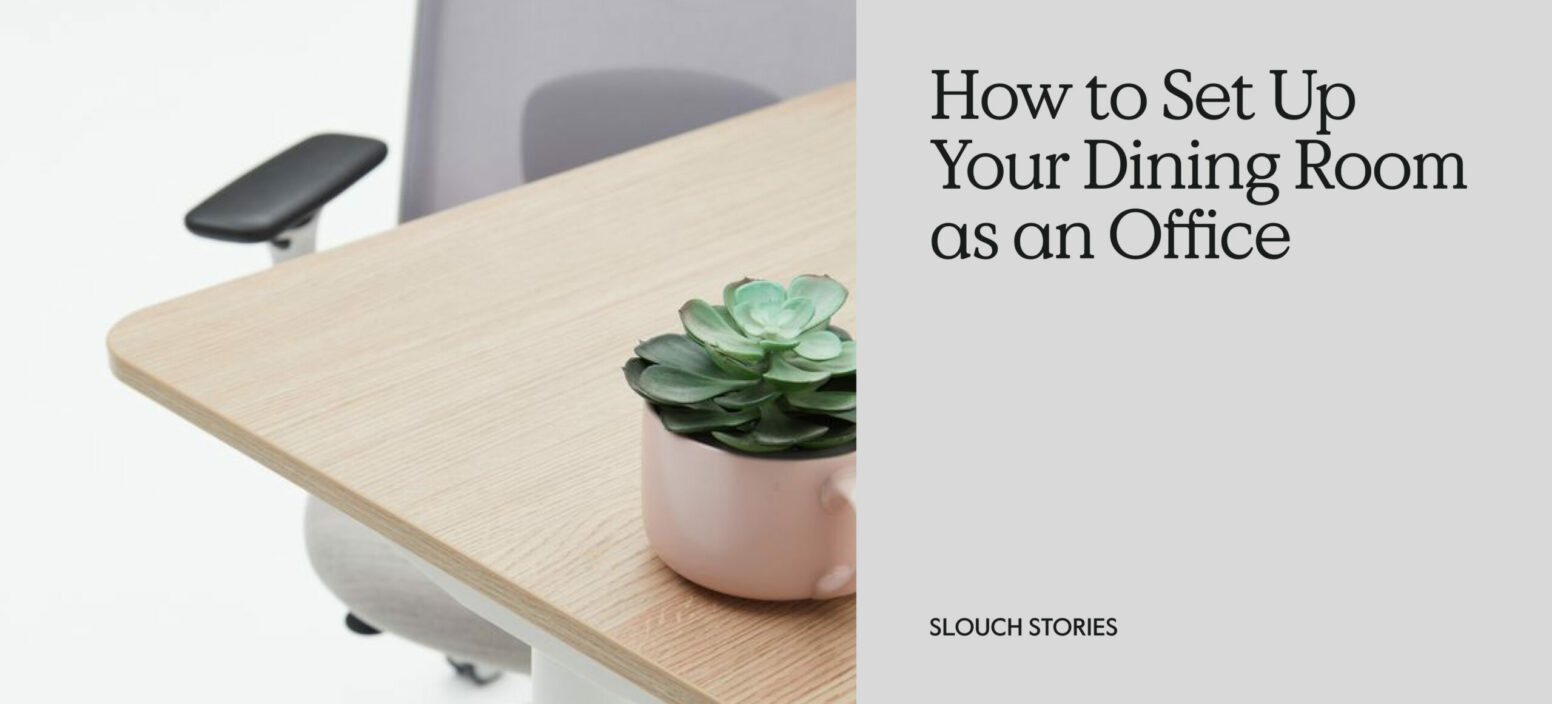
Finding the right room in your home to work from isn’t always easy, particularly if you’re sharing with more than one person and you live in a smaller property.
However, there are ways to get around this problem. Being able to create a dedicated space for your work can help you to mentally separate areas in your home. You might have one or two set spaces that are strictly for work, which means all the other rooms in your house have their set purpose, be it for cooking, sleeping or simply relaxing after a day of work.
The dining room can become a really great home working space. After all, it already contains a dining table that can be used as an office desk, and as long as you have a supportive ergonomic chair to sit in, you’ll be able to comfortably work from your dining room.
So, if you’re looking to create the ultimate dining room office, we’ve shared a breakdown below on what you need and how best to lay out your workspace.
First, decide your computer setup
When you’re designing a dining room home office, you need to consider exactly what equipment you have (and how much space it will take up), and whether you’ll occasionally need to move it out of the way (for dinner parties or other occasions).
We’d recommend that you create a setup that is easy to put away and replace, for ease and access.
If you just have a laptop, consider a screen raiser to prevent looking down all day, as this will only hurt your neck and shoulders. This means you might also want to invest in a wireless mouse and keyboard.
This setup is super easy to clear away at the end of the day, ready to be put out again in the morning.
Next, pick an office chair for your dining table
We don’t recommend working at a dining chair (for reasons we’ve disclosed below), so what kind of chair should you use at a dining table instead?
Any kind of ergonomic office chair is going to be most suitable, as it will provide support and comfort all day long. If you’re worried about the armrests knocking into the table, you could look into an office chair without armrests.
Why you shouldn’t use a dining chair
If you’re sitting at your dining table, then the likelihood is you’re planning to sit on a dining chair. However, there’s a reason this piece of furniture shouldn’t be used for long periods of time. It’s there for sitting on while you eat, for a maximum of 30 minutes to one hour, not for a full day’s work on your laptop.
Below, you’ll find three reasons why you shouldn’t use a dining chair as an office chair:
- No sufficient back support – Using a dining chair means there is no lumbar support, so your body will naturally fall into a slouch, or you’ll hunch over because the chair can’t support the natural curve of your lower back
- You can’t adjust the height of the chair – The other part of the body that needs support is the upper back and neck. When using a dining table as your workspace, make sure your elbows are at the right height in comparison to the table. If you can’t adjust the height of your seat, you’ll start to experience upper back strain from tensing your shoulders and reaching for the equipment on the table.
- Lack of padding on the chair – Having no padding or poor padding on the chair can be bad for many reasons, one being that a hard surface is simply uncomfortable. If your chair is made from wood or metal with a flat surface, then your body weight can’t be distributed evenly. This then leads to more pressure on your tailbone. After just 30 minutes, you’ll likely start to feel stiffness and pain, so investing in the right padding can do wonders for your comfort.
Why should you use an ergonomic office chair?
If you’ve relied on a dining chair for a while when working at your dining table and you’re ready to upgrade (which you absolutely should!), then your first investment should be a quality, sturdy office chair. Our personal favourite is an ergonomic chair.
You may have seen us use this word before. Something that’s ‘ergonomic’ is designed to support your body rather than fight against it, and an ergonomic chair has lots of good features that can make your working day easier.
Some of these features include:
- Adjustable seat height – When your seat is at the right height, you can maintain good posture by keeping your feet flat on the ground and your back straight. It also stops you from straining your neck to look down at a laptop screen.
- Swivel – Whether your dining table is small, big, long or round, having wheels on a chair allows you to swivel and move around easily to reach things on the table, reducing the strain on your arms.
- Backrest and lumbar support – Something we’ve referred to a lot throughout this article, and one thing we hope you’re now an expert in, is lumbar support. An ergonomic chair will have an adjustable backrest and adjustable lumbar, which will help to keep your spine in its most natural position and prevent slouching.
- Chair tilt and recline – One problem a lot of us Brits struggle with is back pain and discomfort while working at our desks. A good feature to help reduce this issue is tilt and recline. Just reclining the chair back slightly can help to reduce pressure on your spinal discs and is more comfortable.
How to keep the dining room clutter-free
If you’re using the dining room as your office, then the last thing you want is too much clutter, especially if you have documents or worksheets spread here, there and everywhere.
It’s a much nicer feeling to have a clutter-free space so you can be super productive. To help keep it clean, you could try installing multi-functional furniture such as sideboard cabinets or shelving units with doors/drawers.
If you want to keep it a little more simple, then using storage baskets that can easily be hidden away or moved to a different room is a good choice to keep pens, notepads and important sheets hidden.
Having a clean workspace at home with thoughtfully designed office furniture made just for you will make your job easier. So, be kind to your body and give it what it needs.
