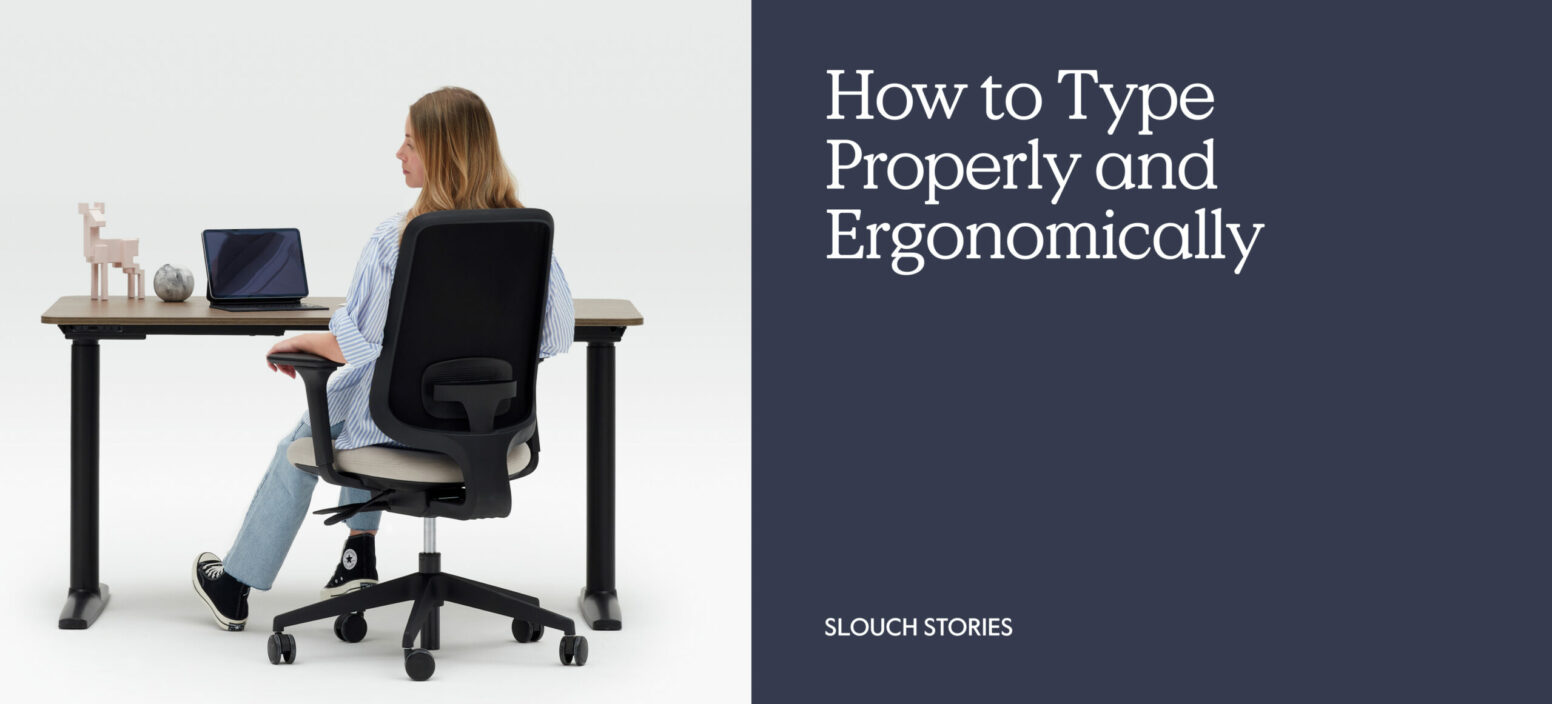
Almost half of Brits work from home at least one day a week, which means they need to have a proper work setup at home as well as their workplace.
For many people, the priority is purchasing the best and most comfortable office chairs or desks (which, of course, we’d agree with!). But there are other considerations when designing your desk space, including a suitable keyboard. You may have all the equipment you need, but if you’re not able to type properly due to bad posture, it could actually cause more discomfort while you work.
That’s why it’s so important to focus on the best ergonomics for typing. If you’re someone who is stationed at a desk five days a week, then it’s important you know how to type properly and ergonomically so you can take on the working day.
Here at Slouch, we’ve highlighted everything you need to know about how to get better at typing, so you can have an ergonomic workstation.
How to type properly
Did you know that typing “correctly” could have an impact on some of the aches and pains you might get in your hand and arms? It’s a skill that many of us don’t learn properly, instead finding a technique that suits us. This is absolutely fine, until your technique causes pain in your hands.
If you’re after speed and accuracy, then we suggest taking a ‘touch type’ approach. This teaches you to practice looking at the screen as you type and not down at your keyboard (no one wants a stiff neck!).
It might sound impossible at first, but over time, it will get easier as you become more familiar with the keyboard.
Next, you need to find a resting position for your hands between typing. We recommend placing your fingers on the middle row with your index fingers resting on the ‘F’ and ‘J’ keys (that’s why these have a little Braille-type bump on them, so you know where the home position is. Your thumbs should be positioned on the spacebar.
Practise pressing each key that is underneath the corresponding finger (asdfjkl;). Then, you can practise using the other keys. You should use the nearest finger to press the key, making as little movement with your hands as possible. Once you think you have each key sorted, it’s time to try making some simple sentences. Write a few things out with the new technique. You may be slower at first, but over time it will become second nature and you could even see a change in your neck or hand pain.
Remember to keep practising until you feel confident that you can type properly and ergonomically, and always try to look at your screen as you type instead of at your keyboard.
What kind of keyboard should I use?
It’s not always just about your typing technique. The kind of keyboard you use can also have an impact on the ergonomics, and you’ll need a quality keyboard that won’t cause any strain to your wrists and forearms when you’re typing for long hours in the day. Not all keyboards are the same, and you’d be surprised by how many there are to choose from depending on your needs and environment.
We recommend an ergonomic keyboard. Some of the types of keyboards to choose from are:
- Compact keyboards. These are typically smaller than a traditional one and usually don’t include a number pad. While this is a make-or-break for some people, the keyboard is designed so it can be positioned close to the mouse. This can stop you from stretching or straining to type.
- Split keyboards. This keyboard has a gap in the middle, literally cutting your keyboard into two halves. It’s designed this way so it can be adjusted depending on the width of your shoulders, so your wrists can sit at a comfortable angle to reduce any strain whilst you type.
- Speciality keyboards. Whether you struggle with physical, cognitive, or sensory needs, this keyboard is designed with you in mind to make you feel at ease when you’re typing. There are lots of options to choose from to suit your own personal preferences.
- Bluetooth keyboard. This is a great option for those who need to travel a lot. You can take this keyboard with you, which makes it easier if you want to work from different locations.
Laptops and some computer monitors might come with their own keyboards, but we recommend looking for a keyboard that works for you and your position at your desk.
How should I position my keyboard and mouse?
Finding the right ergonomically designed workspace can make you feel significantly more productive and focused throughout your working day. This is why it’s also important to consider the position of your keyboard and mouse.
We suggest that your keyboard is placed directly in front of you and close to your body, with enough room to support your wrists. Keeping the mouse close to the keyboard means you won’t have to stretch as far.
You want to be able to rest your forearms at the right level so they are parallel to the floor, and so you can rest your wrists in a neutral position on the desk. This makes it less likely to cause straining as you’re typing.
Typing properly and ergonomically is the key to reducing any hand or arm pain while you work. If you regularly experience a pins and needles type feeling, it could be down to the way you type!
